From your notes to quiz in seconds.
Snap a photo of your notes or import a PDF. Quizcam turns them into interactive quizzes so you actually remember what you study.

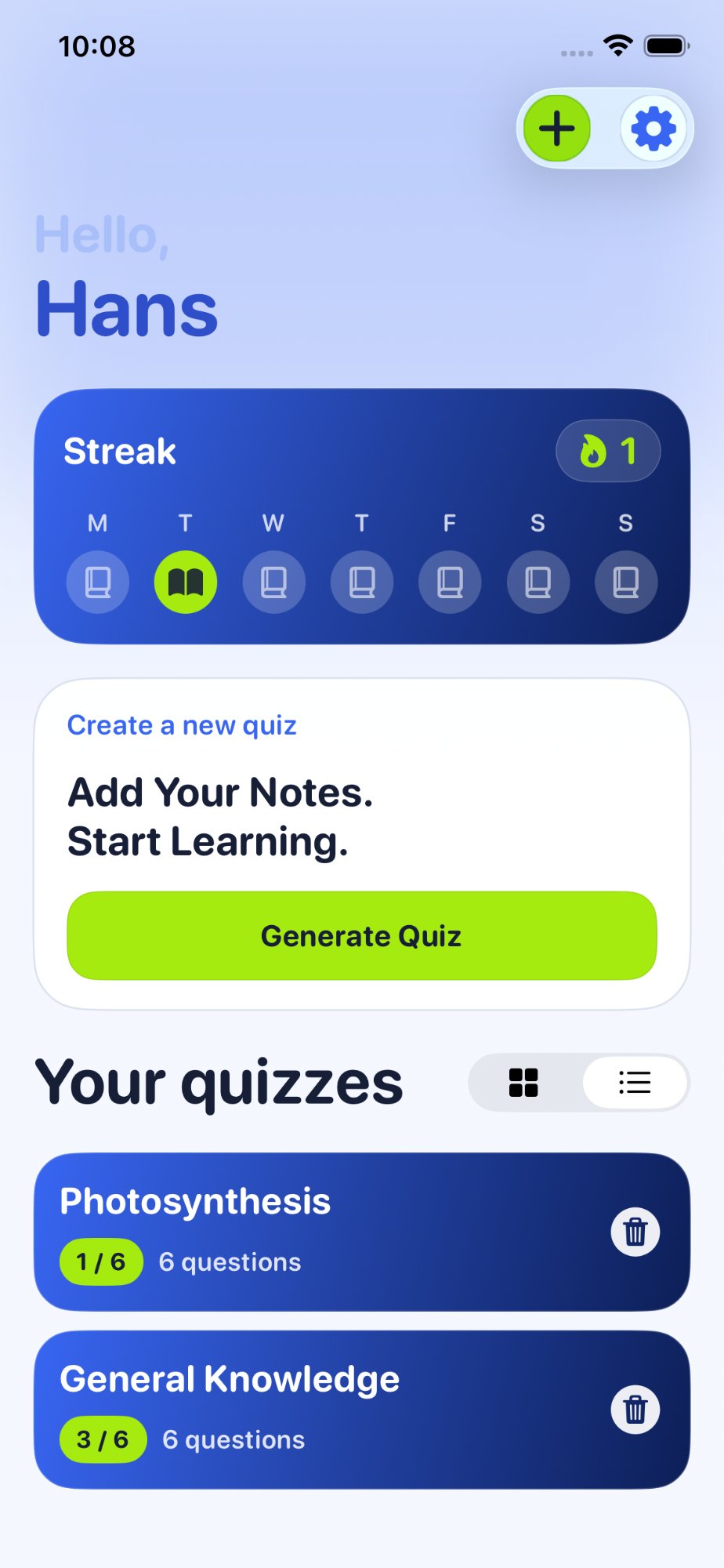
Three steps to better grades
Snap or import
Take a photo of handwritten notes or import any PDF from your files.
Quiz is generated
AI reads your content and creates multiple-choice questions in seconds.
Learn & improve
Answer questions, get instant feedback, review mistakes, and retry.
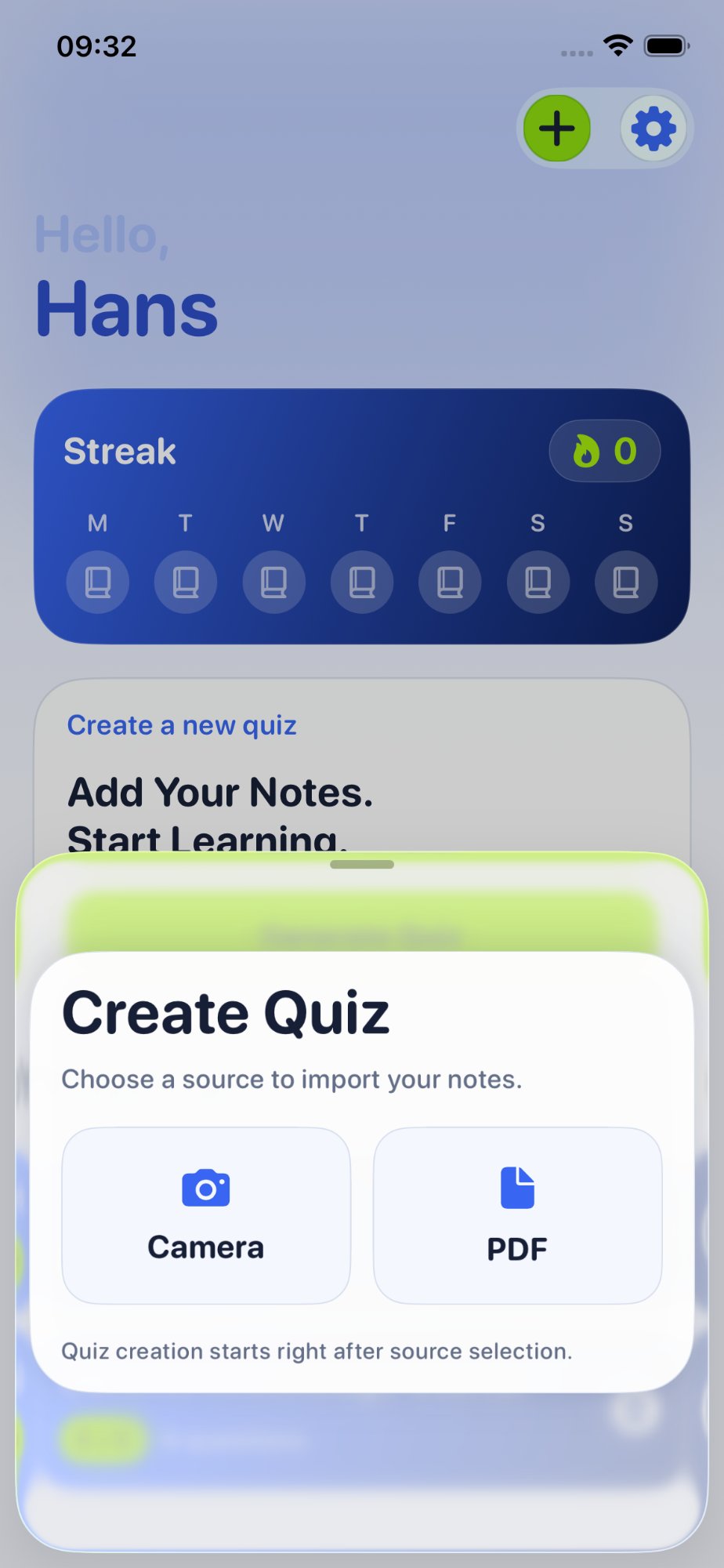
Camera or PDF. Your choice.
Photograph a page of handwritten notes or pick a PDF from your files. Quizcam handles both. Quiz creation starts immediately after selection.
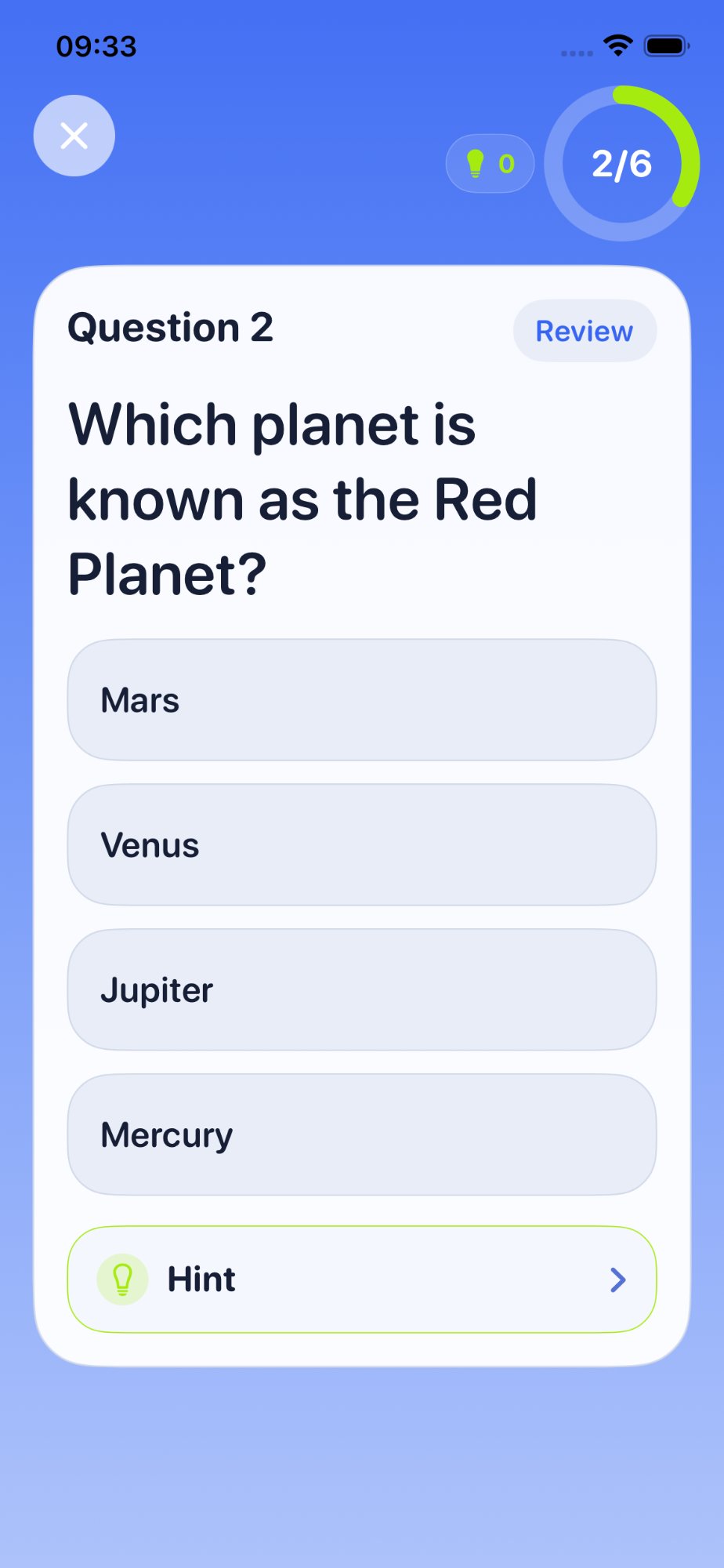
Interactive questions with instant feedback.
Multiple-choice questions generated from your material. Get immediate results after every answer, plus hints when you're stuck.
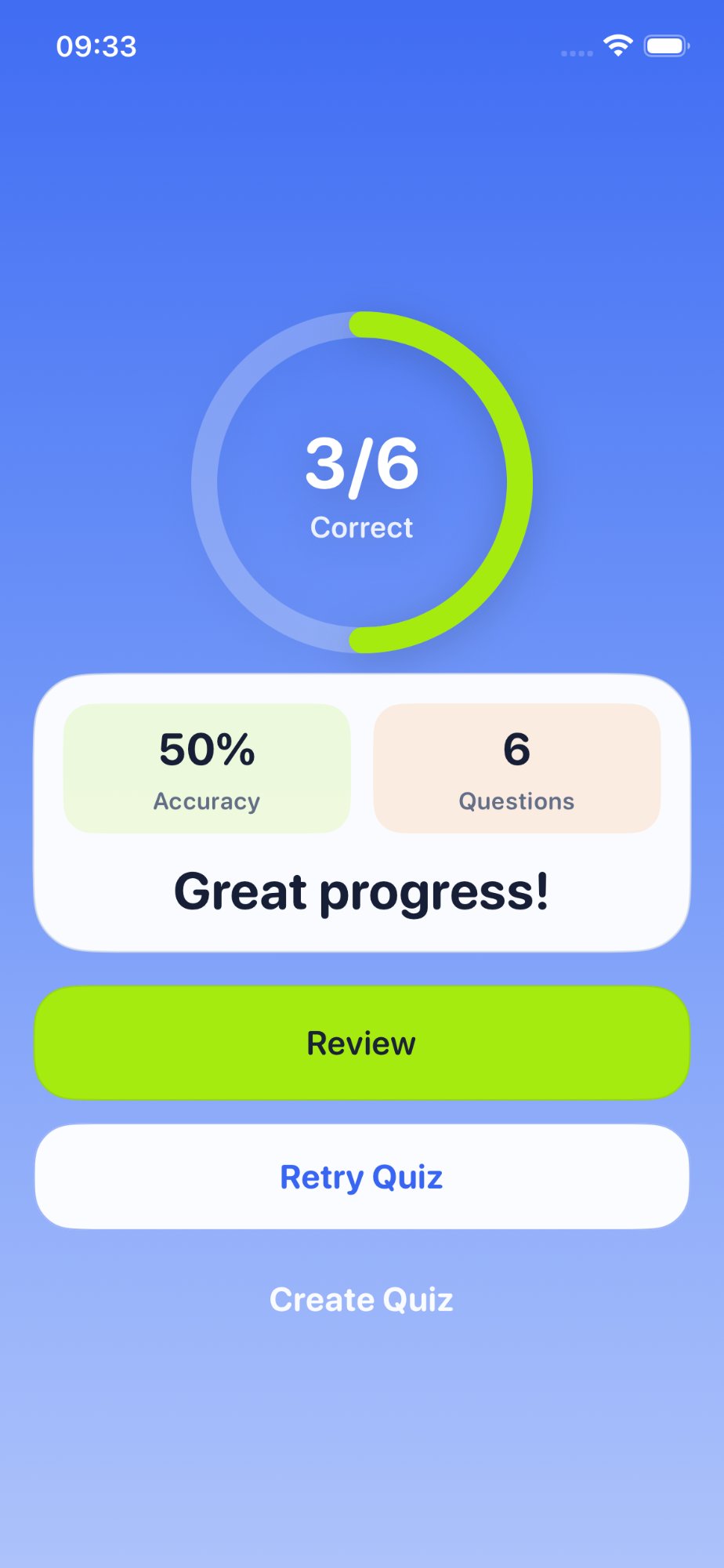
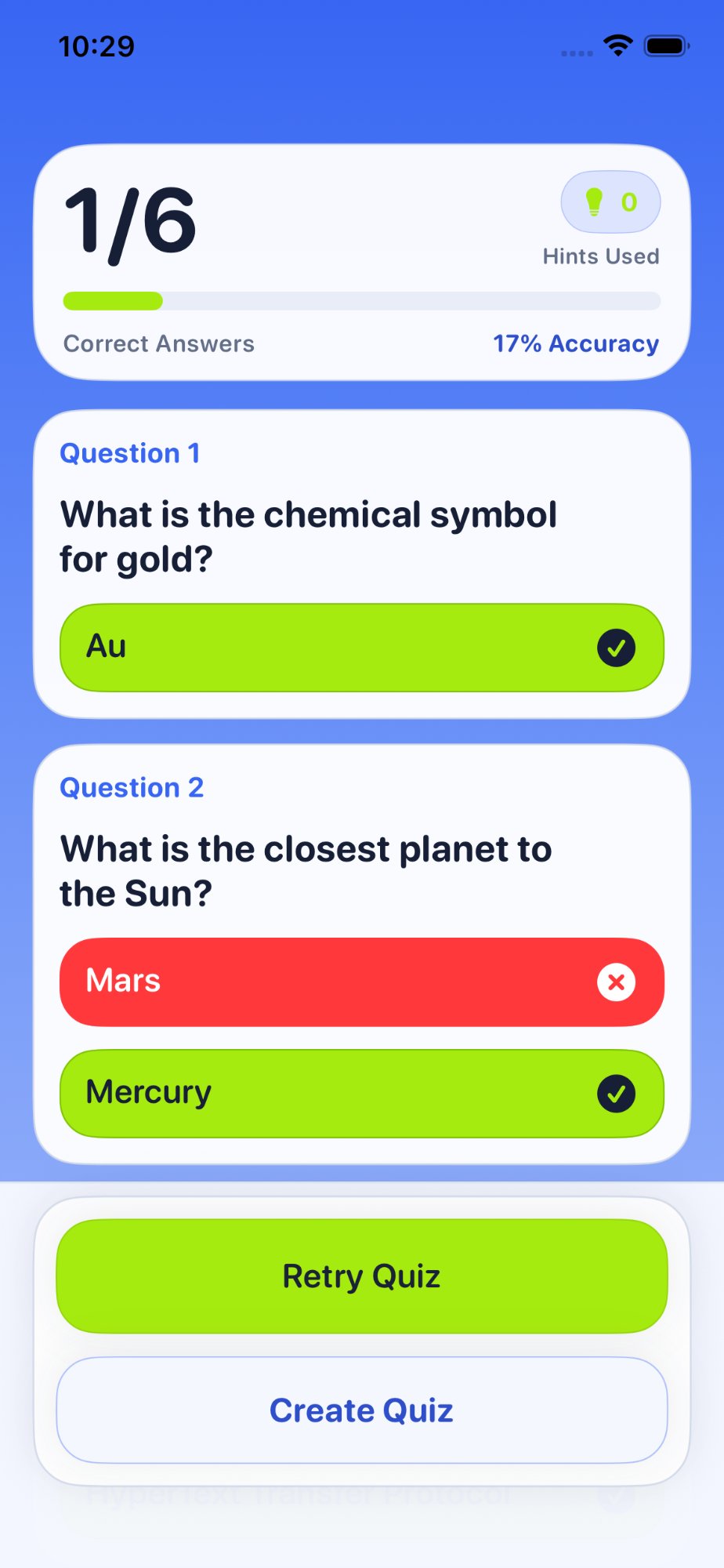
See your score. Keep improving.
A clear score breakdown after every quiz. Track your accuracy, then review or retry to strengthen what you missed.
Learn from every mistake.
See exactly which answers were right or wrong. Understand your gaps, then retry the quiz to lock in the knowledge.
Stop re-reading. Start quizzing.
Learning for your exams has never been easier.